
Car HUD screens for focused driving
A car HUD screen that keeps your speed in sight.
HUDScreen projects your speed and supported driving data onto the windshield — a clear
HUD screen for your car in three simple tiers: KUOWEIHUD K1, wiiyii P6 and VIVIHUD V5.
Keep the display simple
Keep information clear without obstructing the road view.
A HUD can reduce the need to look down for information, but any in-vehicle display can distract. Use a simple layout and never configure it while driving.
- GPS HUD screen for broad vehicle compatibility
- OBD2 HUD screen for supported engine and voltage data
- Premium smart display for navigation-focused journeys
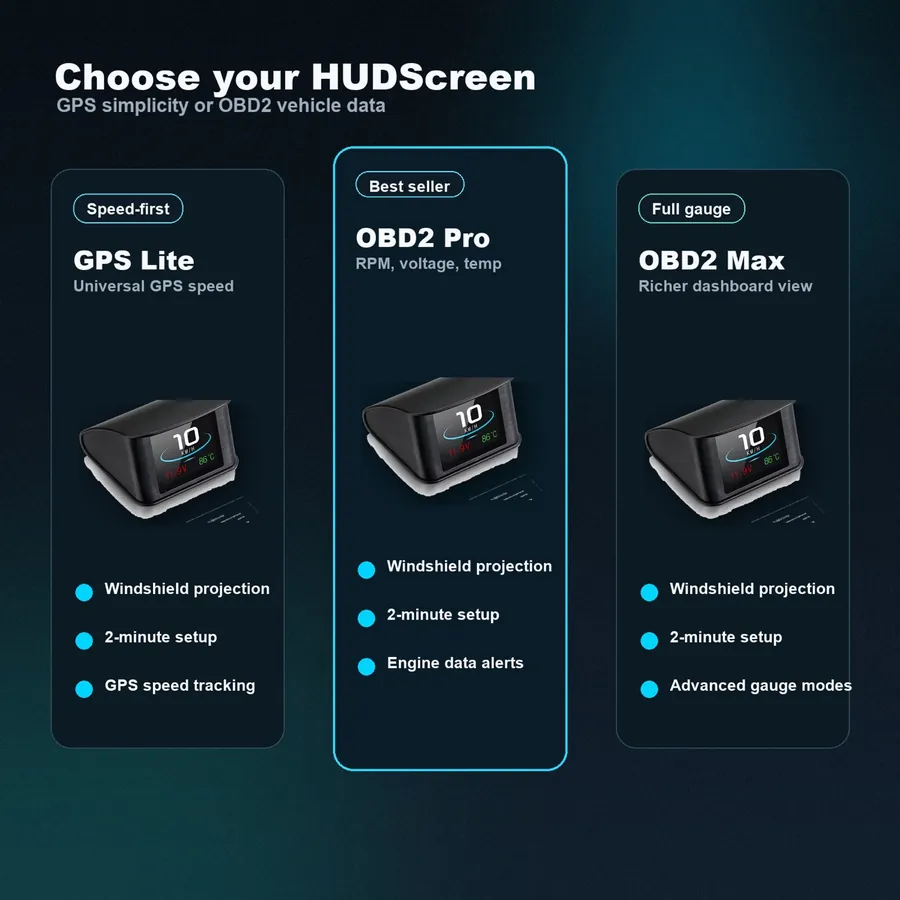
Choose your setup
Three drivers. Three focused HUD screens.
Start simple, add supported vehicle data, or choose a larger connected display for longer journeys.
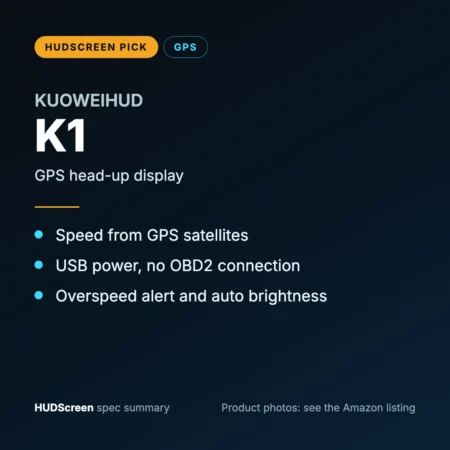
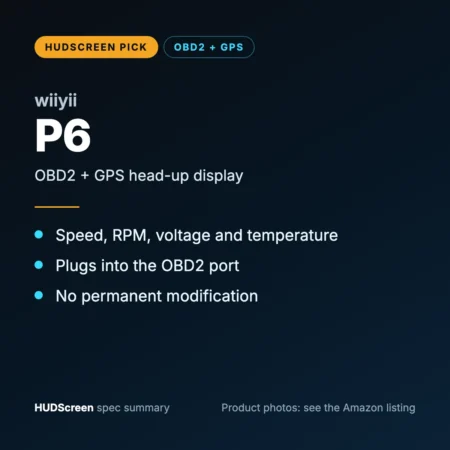
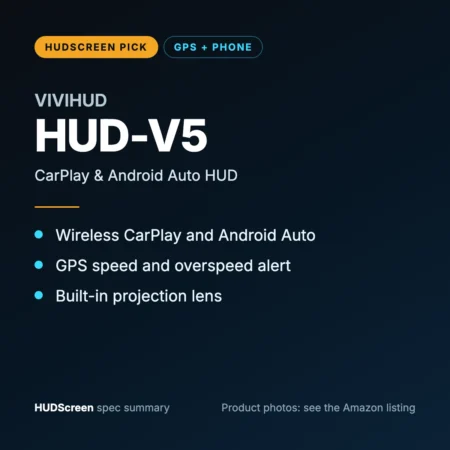
Quick comparison
Find the car HUD screen that fits your routine.
OBD2 and phone-connected functions vary by vehicle or device. Review compatibility before ordering.
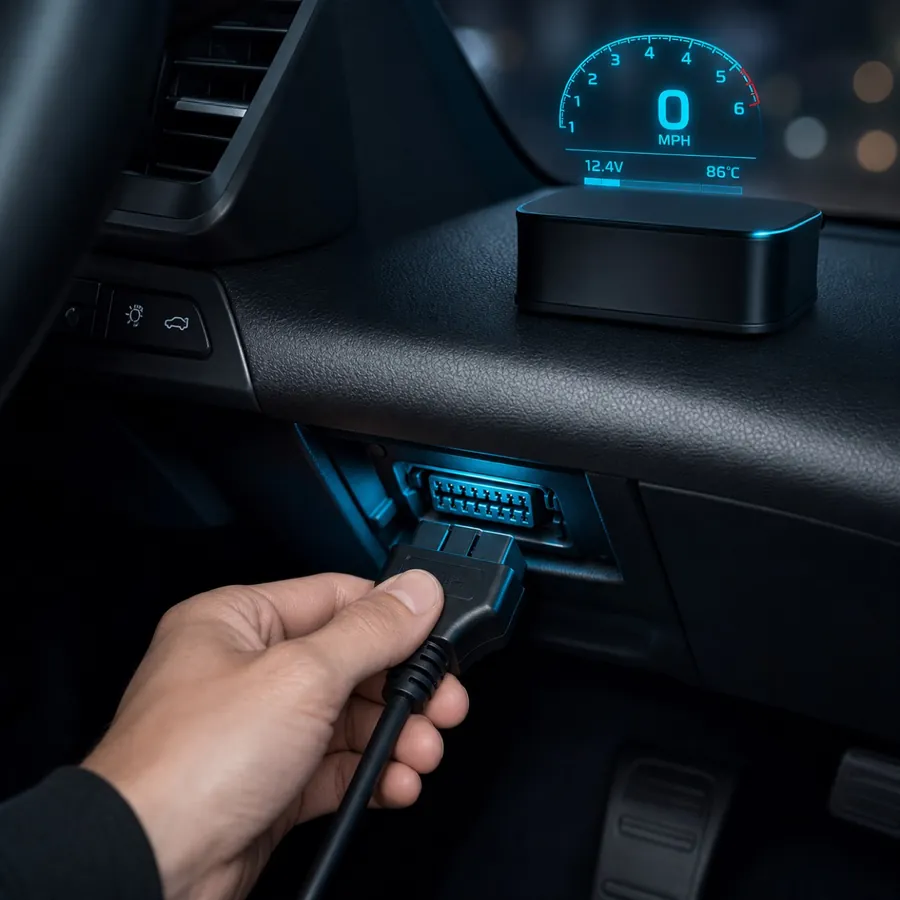
Simple installation
Set up and verify your HUD while parked.
- Choose. GPS for broad fit or OBD2 for supported vehicle data.
- Connect. Use the supplied power or OBD2 cable.
- Position. Place the screen where it stays clear without blocking your road view.
FAQ
Frequently asked questions
What is a car HUD screen?
A car HUD screen is a head-up display that projects your speed and supported driving data onto the windshield in your line of sight, but placement and information load still require care.
Which HUD screen should I choose?
Choose KUOWEIHUD K1 for the broadest fit and simple speed, wiiyii P6 for live engine data on a 2007+ car, or VIVIHUD V5 for wireless CarPlay and Android Auto navigation in any vehicle.
Does a car HUD screen work with every vehicle?
A GPS HUD screen avoids an OBD2 connection but still requires suitable power, placement and satellite reception. An OBD2 HUD screen needs an OBD2 port (standard from 1996) and a car on its fitment list — most cover gas cars from about 2004–2009 onward.
Choose the HUD screen that keeps your next drive focused.
Compare the tiers, then check compatibility before you buy.
Shop by moment