
OBD2 HUD displays
OBD2 HUD: Best OBD2 Head-Up Displays for Your Car
The best OBD2 HUD displays project live speed, RPM, temperature and voltage onto your windshield — real engine data, eyes-up. Here are our picks.
An OBD2 HUD is a head-up display that plugs into your car’s OBD2 port and projects
live engine data — speed, RPM, coolant temperature, voltage and fuel economy — onto the windshield.
Because it reads the vehicle’s own computer, an OBD2 head-up display shows far more than a
GPS-only unit. US rules generally required OBD on model-year 1996 and newer light-duty vehicles, but vehicle and data compatibility still vary; not every vehicle or data field (1996+ in the US, 2001+ petrol / 2004+ diesel in the EU) has the port.
Why choose an OBD2 HUD display
- Real engine data — not just speed, but RPM, temperature, voltage and fuel use.
- Overspeed & fault alarms — warnings before a small issue becomes a big one.
- Plug-and-play — the OBD2 cable powers and feeds the display.
- Eyes-up driving — smoother throttle control can even help fuel economy.
Best OBD2 HUD displays
From a compact dual-system gauge to a 5.5″ windshield projector.
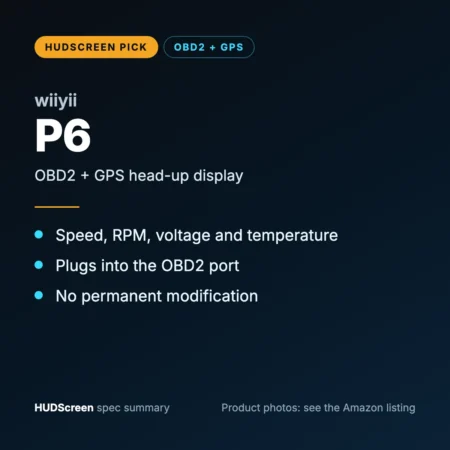
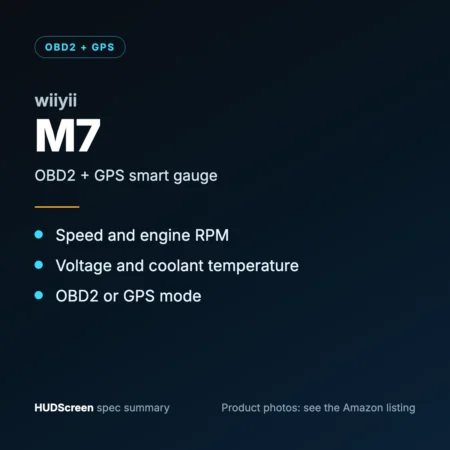
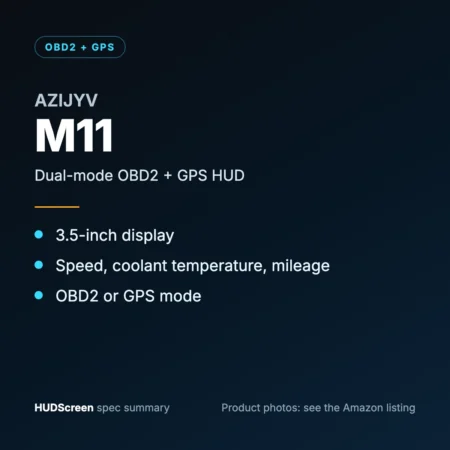
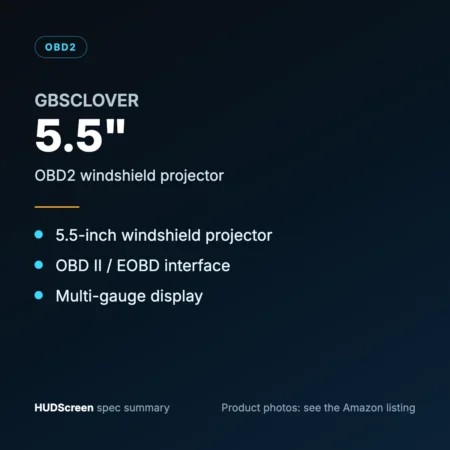
OBD2 HUD vs GPS HUD
An OBD2 HUD shows engine data but needs a compatible car (most listings: gas cars from about 2004–2009, no hybrids, diesels or pickups); a GPS HUD shows speed only but fits
anything. Two of our picks are OBD2 + GPS dual-system, so if OBD mode doesn’t support your car you can still use GPS mode.
Compare every option in the HUD display for cars guide, decode warning
lights with the OBD2 Code Lookup, and confirm fit with the
Compatibility Checker. More on the standard:
OBD-II (Wikipedia).
FAQ
Frequently asked questions
What is an OBD2 HUD?
An OBD2 HUD is a head-up display that connects to your car’s OBD2 port and projects live engine data such as speed, RPM, coolant temperature and voltage onto the windshield.
Will an OBD2 HUD work on my car?
Only if your car is on the unit’s fitment list. The OBD2/EOBD port is standard on US vehicles from 1996, EU petrol from 2001 and EU diesel from 2004, but most plug-in HUD listings cover gas cars from about 2004–2009 onward and exclude hybrids, diesels, pickups and some brands. The exact readings available depend on the vehicle’s protocol.
Does an OBD2 head-up display drain the battery?
Most units draw very little power and put themselves to sleep when the engine stops (the OBD2 port usually stays live with the ignition off). If your car keeps the OBD2 port live when parked, unplug the display or use a switched adapter.
OBD2 HUD or GPS HUD — which is better?
Choose OBD2 for real engine data on a compatible gas car; choose GPS for universal fit and speed only. A dual OBD2 + GPS unit gives you both.
As an Amazon Associate, HUDScreen earns from qualifying purchases. Pricing and availability are shown on Amazon and may change.
Compare the best OBD2 HUDs
| Display | Data source | Best fit | Standout feature | Price |
|---|---|---|---|---|
| wiiyii P6 — OBD2 + GPS Windshield Display | OBD2 + GPS (dual) | 2007+ gas cars (OBD2) | OBD2 + GPS dual system | Check price ↗ |
| OBD2 + GPS Smart Gauge HUD (Speed, RPM, Voltage, Temp) | OBD2 + GPS (dual) | Gas cars 2008+ (OBD mode); any vehicle (GPS mode) | OBD/GPS smart gauge | Check price ↗ |
| Dual-Mode OBD2 + GPS HUD 3.5" | OBD2 + GPS (dual) | Gas cars 2009+ (OBD mode); any vehicle (GPS mode) | OBD2 + GPS dual system | Check price ↗ |
| 5.5" OBD2 Windshield HUD Projector | OBD2 port | Gas cars: US 2004+ (OBD2 only) | 5.5-inch windshield projector | Check price ↗ |
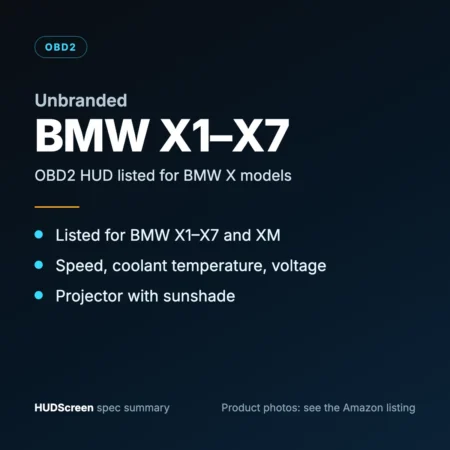
| HUD Display for BMW X1–X7 (OBD2, with Sunshade) | OBD2 port | BMW X1–X7, XM (listed 2000–2025) | Listed for BMW X1–X7 | Check price ↗ |