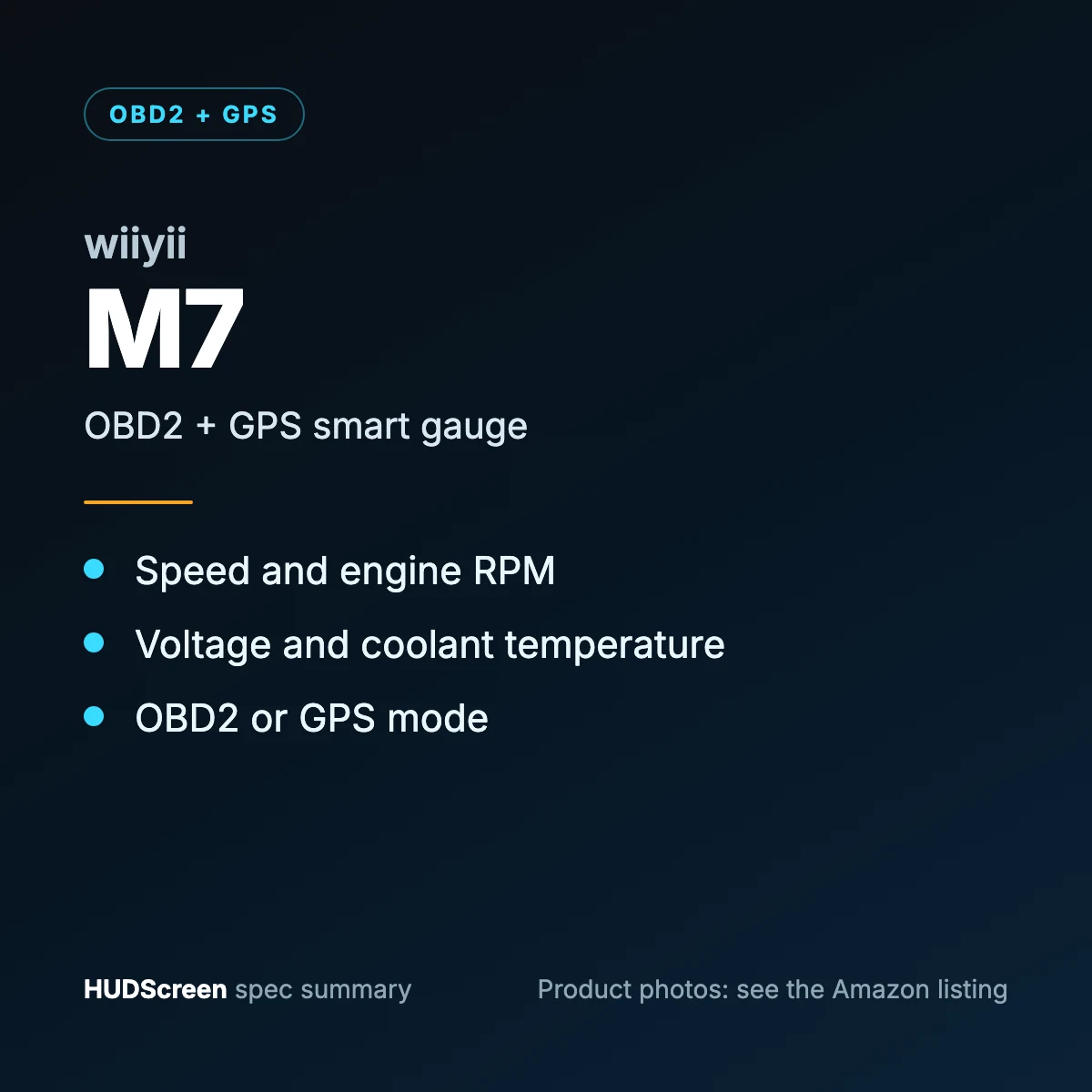
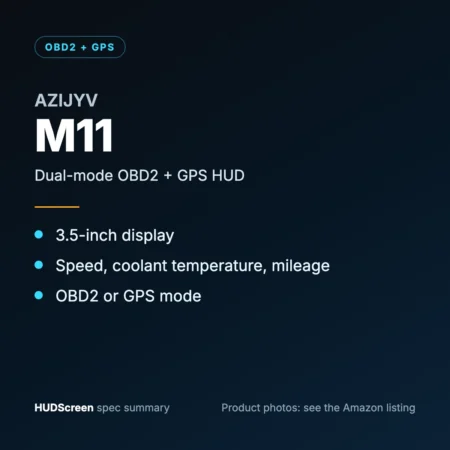

The OBD2 + GPS Smart Gauge HUD (Speed, RPM, Voltage, Temp) is an OBD2 + GPS HUD that puts your speed and supported driving data into your line of sight, so you keep your eyes on the road instead of glancing down at the dashboard.
At a glance
| Data source | OBD2 + GPS (dual system) |
|---|---|
| Display type | OBD2 + GPS HUD |
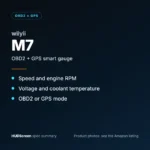
| Best fit | Gas cars 2008+ (OBD mode); any vehicle (GPS mode) |
| Standout feature | OBD/GPS smart gauge |
| HUDScreen tier | Editor's Pick |
What you’ll see on the display
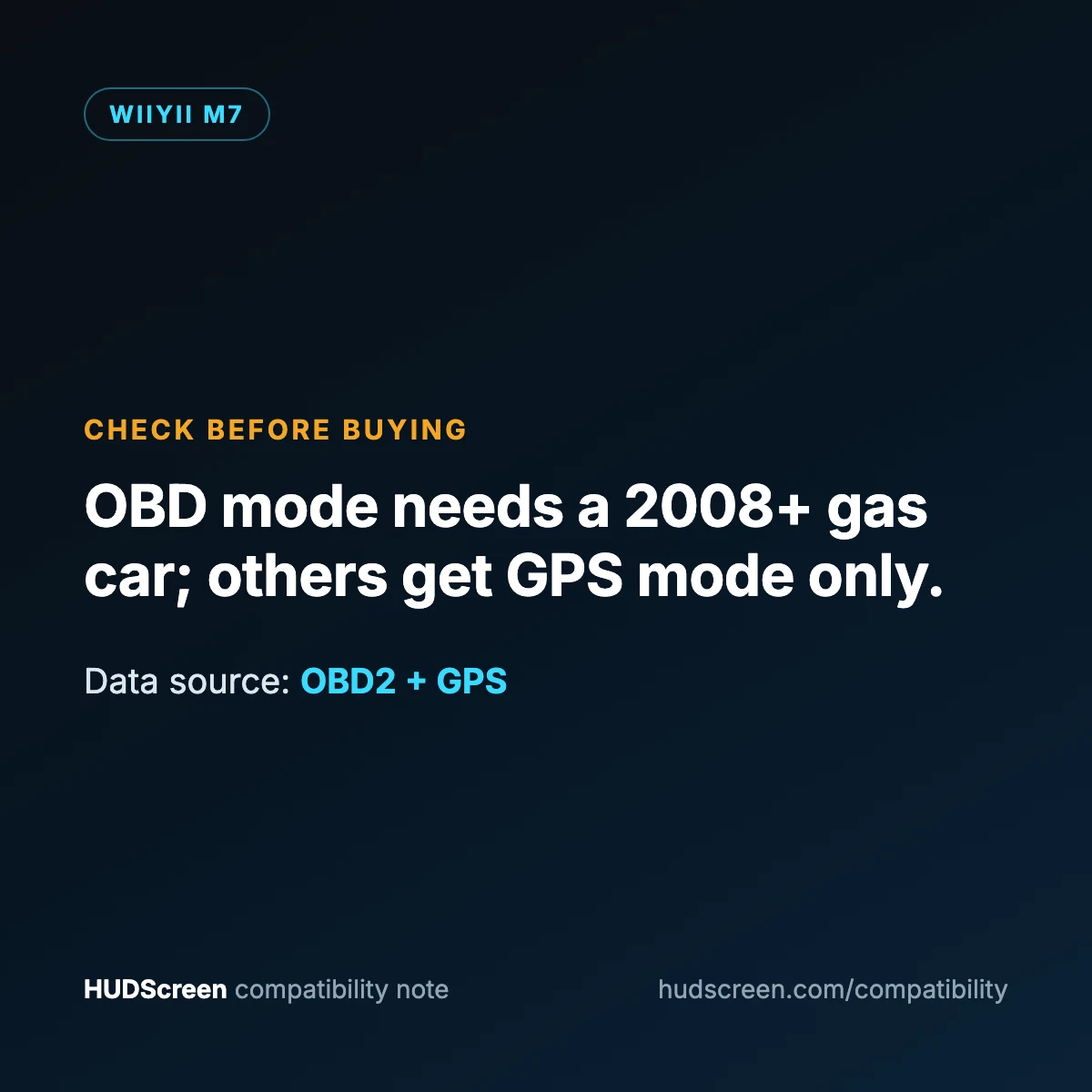
- OBD/GPS smart gauge
- Driving speed, engine RPM
- Voltage & water temperature
- GPS mode for any vehicle
Why drivers choose it
It delivers the core benefit of a head-up display — information where you’re already looking — in an OBD2 + GPS HUD that’s quick to set up and easy to read day or night, with automatic brightness so it never dazzles you after dark.
Easy setup
- Plug in. Connect the cable to your car’s OBD2 port (under the dash, driver’s side).
- Position. Place the display low on the dash so it never blocks your view.
- Drive. It powers on with the ignition and shows your data instantly.
See the full 5-minute OBD2 install guide →
Will it fit your car?
The manufacturer’s listing says OBD mode works on vehicles built from 2008 and is not compatible with electric, diesel, pickup-truck, RV or ECU-modified vehicles. For those, switch the unit to GPS mode (speed, voltage and trip distance), which works in any vehicle. Not sure? Run the HUD Compatibility Checker or test your gauge with the Speedometer Accuracy Calculator.
Best for
Drivers of 2008-or-newer gas cars who want engine data, with GPS mode as a fallback.
Keep exploring: HUD display for cars guide · more OBD2 HUDs.
As an Amazon Associate, HUDScreen earns from qualifying purchases. Pricing and availability are shown on Amazon and may change.