
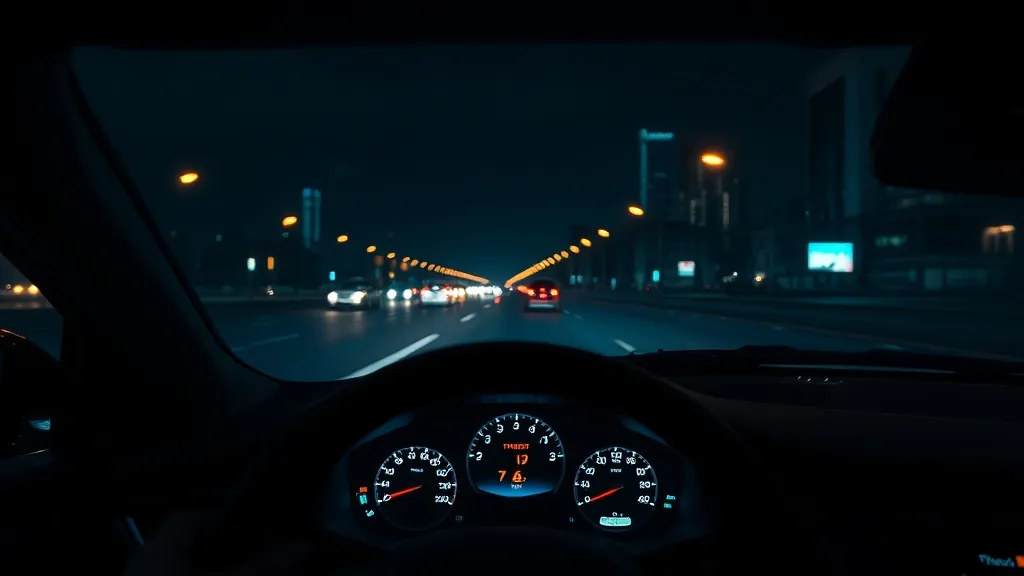
Short answer: for most drivers who want their speed in view without looking down, an aftermarket HUD is worth it, as long as you buy one that fits your car and keep the display simple. Here are the honest pros, the cons and who gets the most out of one.
What a HUD does well
- Speed where you’re already looking. A two-second glance down at 60 mph covers about 176 feet. A HUD puts your speed in the lower part of the windshield so a check takes a quicker look.
- Speed creep is easier to notice. On a long highway stretch a constant readout makes drifting over the limit obvious. Many units add an overspeed alert you can set yourself.
- A second opinion on your speedometer. GPS-based HUDs show satellite speed, which is usually closer to true speed than a dashboard calibrated to read slightly high. See is your speedometer accurate?
- Engine data on compatible cars. An OBD2 HUD can show coolant temperature, voltage and fault alerts, which can flag a problem before it gets worse.
- Navigation without a phone mount. CarPlay / Android Auto HUDs show turn-by-turn directions on the dash.
- Easy to fit and remove. Most plug into a USB, 12 V or OBD2 port in minutes; see the install guide.
The downsides
- Any display can distract. NHTSA classes distraction as visual, manual or cognitive. Show only what you need, set the unit up while parked, and keep it below your view of the road.
- Not a factory HUD. Aftermarket units sit on the dash; they don’t float the image far ahead like a built-in system. Compare in factory vs aftermarket HUD.
- Daylight and glare. Windshield-projection models need the reflective film, and polarized sunglasses can dim some displays. See HUD glare fixes.
- Fitment limits. OBD2 HUDs only work on cars on their fitment list (most cover gas cars from about 2004–2009 and exclude hybrids, diesels and pickups). GPS units work almost anywhere.
Who gets the most from one
- New drivers building speed awareness: a simple GPS speed display. See HUDs for new drivers.
- Commuters and road-trippers on long highway stretches. See best HUD for road trips.
- Owners of older or high-mileage gas cars who want engine data: an OBD2 HUD.
- Anyone without factory navigation: a CarPlay / Android Auto HUD.
Probably skip it if your car already has a factory HUD (check our list of 2026 cars with a HUD) or if you’d rarely look at it.
Which type to start with
Not sure your car is compatible? The HUD Compatibility Checker asks three questions. For a side-by-side comparison, read OBD2 HUD vs GPS HUD.
As an Amazon Associate, HUDScreen earns from qualifying purchases. Disclosure.
Our HUD picks
Three plug-in head-up displays, by what you want on the windshield.
 KUOWEIHUD K1 GPS Head-Up Speed DisplayGPS speed with no OBD2 port needed: fits EVs, hybrids and older cars.Check Price →
 wiiyii P6 OBD2 + GPS Head-Up DisplaySpeed, RPM and temperature from the OBD2 port on compatible 2007+ gas cars.Check Price →
 VIVIHUD HUD-V5 Wireless CarPlay & Android Auto HUDWireless CarPlay and Android Auto directions plus GPS speed.Check Price →
As an Amazon Associate, HUDScreen earns from qualifying purchases. Price, shipping and returns are set by Amazon and the seller.
Frequently asked questions
Are car HUDs distracting?
They can be, like any in-car display. Keep the HUD low, show only speed and one alert, and change settings only while parked. Used that way, it saves you looking down at the instrument cluster.
Are aftermarket car HUDs worth the money?
For most drivers who want their speed in view, yes, provided the unit fits the car. GPS models work almost anywhere; OBD2 models add engine data on compatible gas cars.
Do car HUDs work in daylight?
Most use a bright display with an automatic light sensor. Windshield-projection models need the supplied reflective film, and polarized sunglasses can make some displays harder to see.
Which is better, a GPS HUD or an OBD2 HUD?
A GPS HUD is simpler and works in almost any vehicle but shows speed only. An OBD2 HUD adds engine data such as RPM, coolant temperature and voltage, but only on cars on its fitment list.