
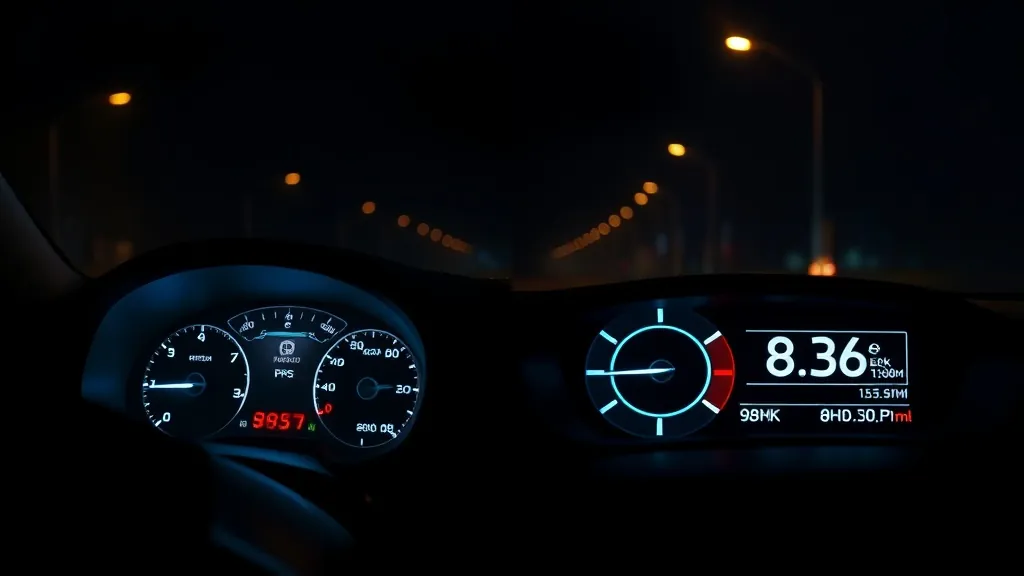
The two most common types of head-up display differ in one fundamental way: where they get their data. Here is the direct comparison that helps you choose in under two minutes.
The quick answer
- Want speed only, in any car, zero setup → GPS HUD
- Want speed + engine data, compatible gas car → OBD2 HUD
- Want phone navigation + GPS speed (no engine data) → CarPlay / Android Auto HUD
GPS HUD: what it is and when to choose it
A GPS HUD reads your position from satellites and calculates true ground speed. It needs no connection to the car at all — just a 12 V or USB power supply. It works in practically any vehicle: pre-1996 classics, hybrids and EVs, pickups, campervans and rental cars. It needs no phone or internet connection.
Choose a GPS HUD if: your car is pre-1996, you drive multiple different vehicles, you mainly want speed visibility, or you prefer the simplest possible setup. GPS speed is usually closer to your true speed than the dashboard, which is calibrated to read slightly high (see is your speedometer accurate?).
OBD2 HUD: what it is and when to choose it
An OBD2 HUD plugs into the 16-pin diagnostic port under your dashboard (standard in all US cars since 1996) and reads live engine data: speed from the wheel sensor, RPM, coolant temperature, battery voltage, and fault-code alerts. Many modern units combine OBD2 with GPS for a dual-system readout.
Choose an OBD2 HUD if: you drive a compatible gas car daily (most listings cover 2004–2009+), you want engine monitoring (especially useful for older or high-mileage cars), or you want to catch fault codes before they trigger the check-engine light.
Side-by-side comparison
| Feature | GPS HUD | OBD2 HUD |
|---|---|---|
| Speed source | GPS satellite | Wheel sensor / GPS |
| Engine data | No | Yes (RPM, temp, voltage) |
| Vehicle compatibility | Any vehicle | Compatible gas cars (most 2004–2009+) |
| Setup | Plug into 12V / USB | Plug into OBD2 port |
| Fault code alerts | No | Yes |
Still unsure? Check your car’s compatibility with the HUD Compatibility Checker or read the full HUD buyer’s guide.
As an Amazon Associate, HUDScreen earns from qualifying purchases. Pricing and availability are shown on Amazon and may change.
Our HUD picks
Three plug-in head-up displays, by what you want on the windshield.
 KUOWEIHUD K1 GPS Head-Up Speed DisplayGPS speed with no OBD2 port needed: fits EVs, hybrids and older cars.Check Price →
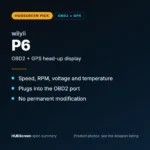 wiiyii P6 OBD2 + GPS Head-Up DisplaySpeed, RPM and temperature from the OBD2 port on compatible 2007+ gas cars.Check Price →
 VIVIHUD HUD-V5 Wireless CarPlay & Android Auto HUDWireless CarPlay and Android Auto directions plus GPS speed.Check Price →
As an Amazon Associate, HUDScreen earns from qualifying purchases. Price, shipping and returns are set by Amazon and the seller.
Frequently asked questions
Is an OBD2 HUD more accurate than a GPS HUD for speed?
At a steady speed with a clear view of the sky, GPS speed is usually very close to true ground speed and is unaffected by tyre size. OBD2 speed comes from the wheel sensor and is subject to tyre wear and size errors — the same bias as your dashboard speedometer. For true speed accuracy, GPS wins.
Can an OBD2 HUD also use GPS?
Many modern OBD2 HUDs are dual-system: they use the OBD2 port for engine data and GPS for speed verification. The wiiyii P6 is an OBD2 + GPS dual system, giving you the best of both.
What happens if I use an OBD2 HUD on a pre-1996 car?
Pre-1996 vehicles use OBD1, which is not standardised and not compatible with OBD2 HUDs. For older vehicles, a GPS HUD is the correct choice — it works on any vehicle regardless of age.
Do GPS HUDs work without internet?
Yes. A GPS HUD reads speed from satellites directly and needs no phone or internet connection. Only phone-connected (CarPlay / Android Auto) HUDs need your phone for navigation.