

VIVIHUD HUD-V5 Wireless CarPlay & Android Auto HUD

Phone-connected HUD based on the VIVIHUD V5 Ultra — wireless CarPlay and Android Auto navigation plus GPS speed on a built-in anti-glare lens. GPS-based, so it works in virtually any vehicle, including pickups, RVs, hybrids and EVs.

HUDScreen pick · Premium display
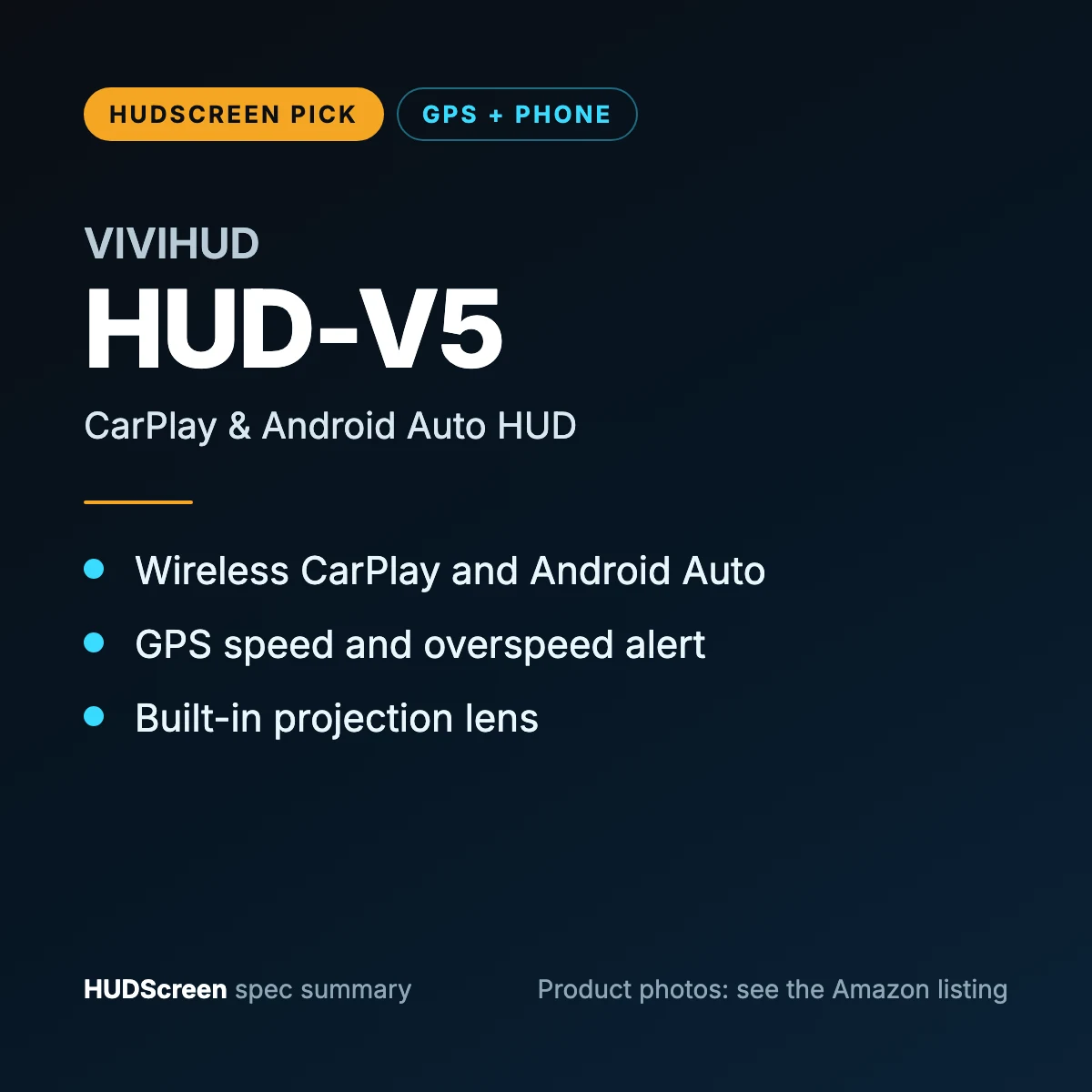
  • Wireless CarPlay and Android Auto navigation on a built-in lens
  • GPS speed, trip data and overspeed alert
  • GPS-based: fits pickups, RVs, hybrids and EVs too

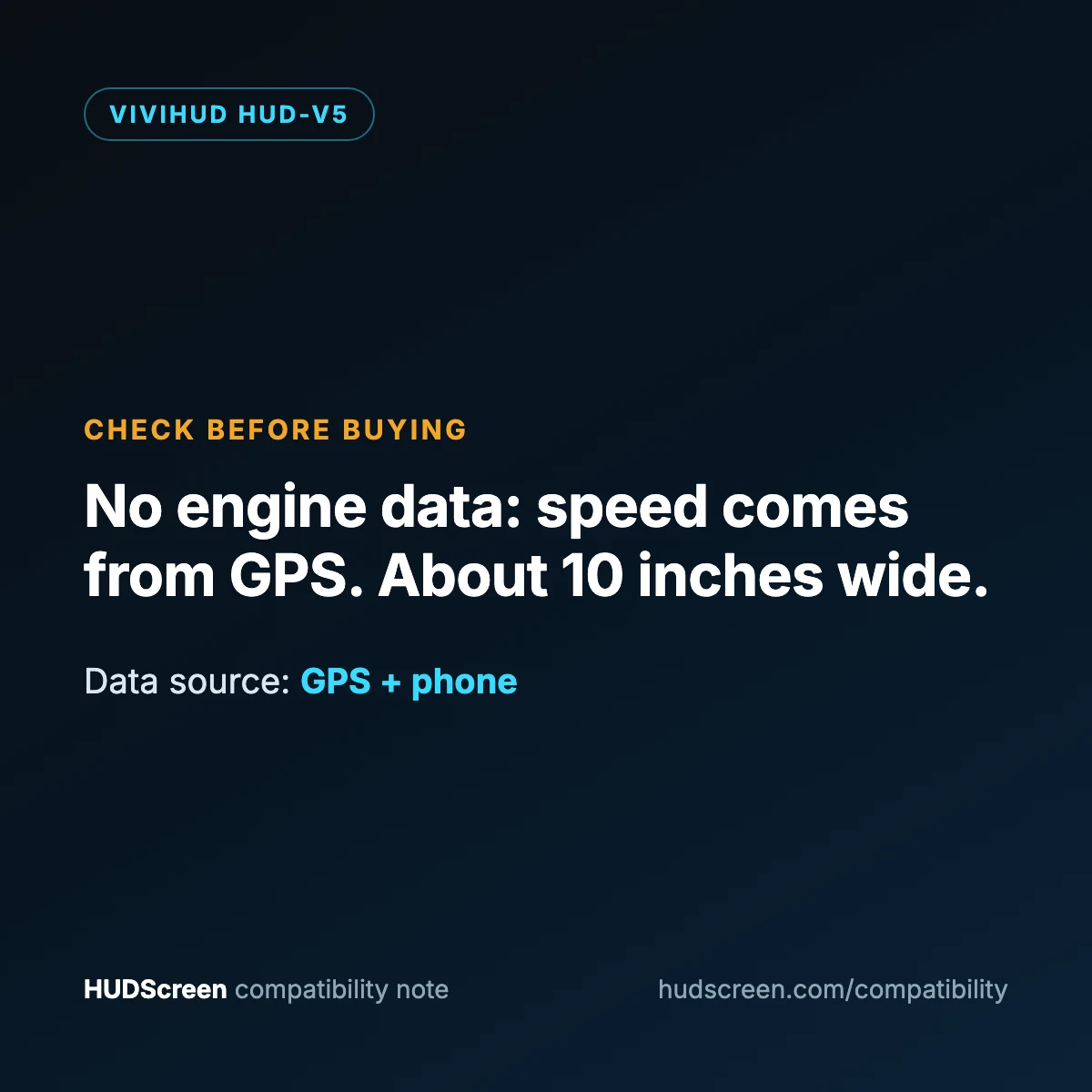
Keep in mind: No engine data (speed is GPS-based; the OBD cable only supplies power). About 10 inches wide, and a new June 2026 listing with a short track record.

Compatibility first. Check the guide before ordering if your setup is unclear.

Check Price on Amazon
VIVIHUD HUD-V5 spec summary card by HUDScreen
VIVIHUD HUD-V5 Wireless CarPlay & Android Auto HUD
Before you click through
  • Fitment notes come from the Amazon listing
  • Check the compatibility guide first
  • Price, shipping and returns are set by Amazon and the seller.
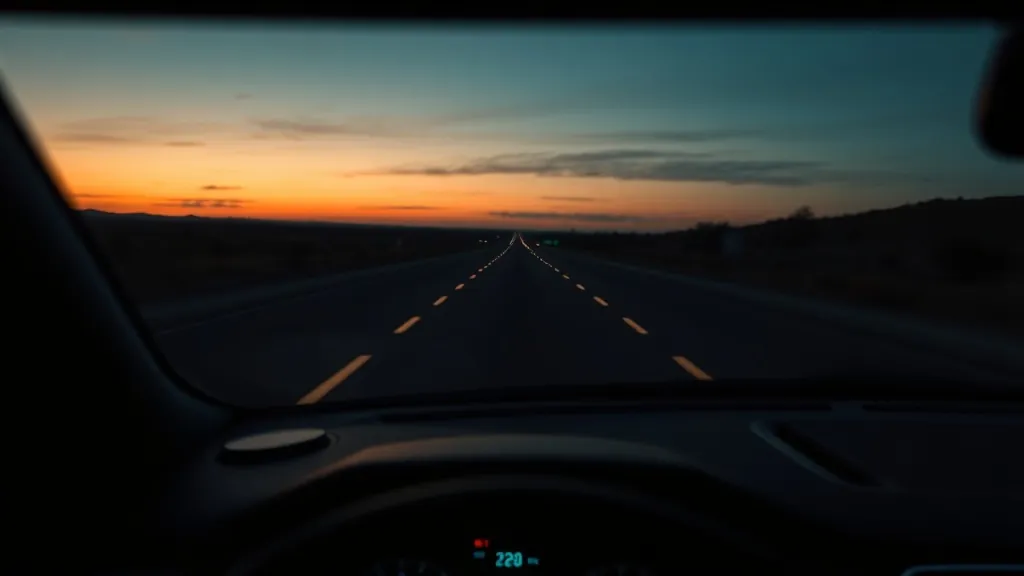
Lifestyle illustration of a phone-connected head-up display in a car
Lifestyle illustration — product photos are on the Amazon listing.

The VIVIHUD V5 is the phone-connected tier of our range, based on the VIVIHUD V5 Ultra. It mirrors turn-by-turn navigation from your phone through wireless CarPlay or Android Auto and shows GPS speed on its own anti-glare lens, so directions and speed sit in your line of sight instead of on a phone mount.

At a glance

Data source GPS satellite speed + your phone (CarPlay / Android Auto)
Display type Projection onto a built-in anti-glare lens (combiner)
Engine data None — the OBD cable supplies power only
Best fit Virtually any vehicle, including pickups, RVs, hybrids and EVs
Power OBD power cable or cigarette-lighter cable (both included)
HUDScreen tier Premium / navigation

What you’ll see on the display

  • Turn-by-turn navigation mirrored from wireless CarPlay or Android Auto
  • GPS speed, trip time, trip distance and total mileage
  • Overspeed warning at a limit you set
  • Automatic brightness for day and night

Setup

  1. Power it. Use the OBD power cable (it switches off 10–15 minutes after you park) or the cigarette-lighter cable.
  2. Position. Place it on the dash on the silicone base, clear of your view of the road.
  3. Pair your phone. Keep Bluetooth and Wi-Fi on and pair with the HUD; the connection runs over Wi-Fi, so a “not connected” Bluetooth status afterwards is normal. To keep audio on your car speakers, reconnect your phone to the car’s own Bluetooth.

Will it fit your car?

Speed comes from GPS rather than the OBD2 port, so the manufacturer lists it as compatible with sedans, SUVs, trucks, pickups and RVs, plus older and new-energy vehicles. The unit is about 10 inches wide, so check you have a flat stretch of dashboard for it. Unsure about your setup? Use the HUD Compatibility Checker.

Keep in mind

  • It shows no engine data (RPM, coolant temperature, fault codes). If you want those, look at the wiiyii P6 instead.
  • Navigation depends on your phone, its CarPlay or Android Auto support, and a stable pairing.
  • It is a new listing (June 2026), so it has a shorter track record than our other picks.
  • The manufacturer rates it for −20°C to 75°C; above that it will not power on until it cools.

Background reading: CarPlay & Android Auto head-up displays: what actually works and how a head-up display works.
Additional information

Display Type

Projection onto built-in anti-glare lens

Compatibility

GPS-based — virtually any vehicle (incl. pickups, RVs, hybrids, EVs)

Best For

Navigation on unfamiliar routes, rideshare, road trips

Phone

Wireless CarPlay and Android Auto

The VIVIHUD V5 Ultra reads speed from GPS, not the OBD2 port, so the manufacturer lists it for virtually any vehicle, including pickups, RVs, older cars, hybrids and EVs.

  • Navigation needs a phone with CarPlay or Android Auto, with Bluetooth and Wi-Fi switched on for pairing.
  • The unit is about 10 inches wide: check you have a flat stretch of dashboard.
  • Rated for -20°C to 75°C; above that it waits to cool before powering on.

Read the full compatibility guide

Per the listing: the HUD unit, a silicone base, an OBD power cable and a cigarette-lighter power cable. The OBD cable supplies power only and switches off 10–15 minutes after parking.

Price, shipping and returns are set by Amazon and the seller.

When should I check compatibility?
Review the guide before ordering whenever a feature depends on your vehicle port, fuel type, phone, cable or audio setup.
How should I install the display?
Complete connection, positioning and initial configuration while parked. Keep the display clear without obstructing road visibility.
Who handles shipping and returns?
Amazon and the seller. HUDScreen does not sell or ship products; when you click through, price, delivery and returns follow the Amazon listing.