
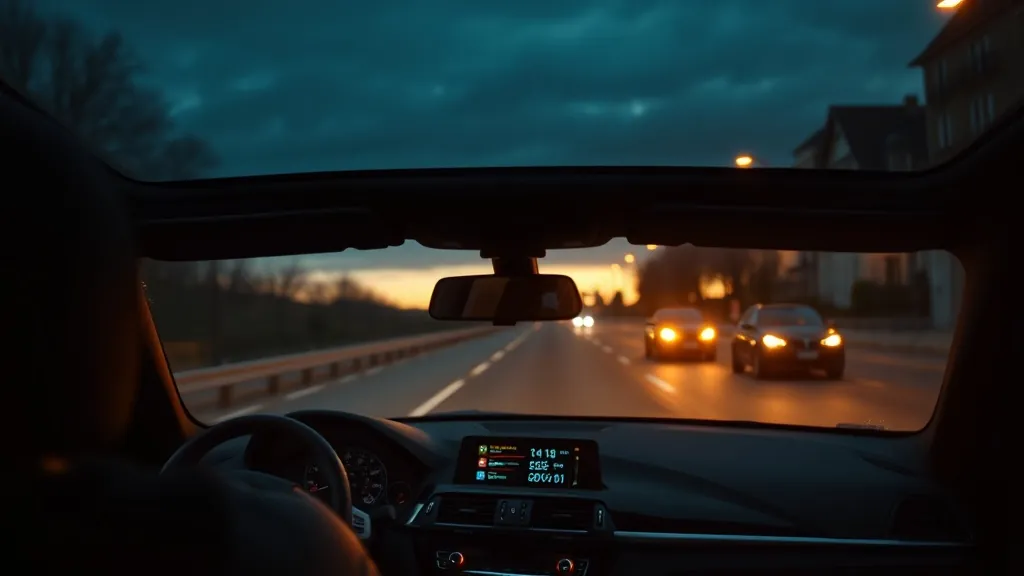
BMW pioneered the factory head-up display — it debuted as an option on the 2004 E60 5 Series — but it has always been a paid option on select models and trims, so the majority of BMWs on the road were never fitted with one. An aftermarket HUD brings the heads-up experience to any BMW for a fraction of the dealer upgrade cost.
OBD2 compatibility by BMW generation
- E-series (E46, E90, E60, E70 etc.) — standard OBD2 port, full compatibility with OBD2 HUDs. Many E-series cars are outside warranty, making engine monitoring especially valuable.
- F-series (F30, F10, F15, F25 etc.) — standard OBD2 port, excellent data availability. The F30 3 Series in particular is very popular with the wiiyii P6.
- G-series (G20, G30, G05 etc.) — standard OBD2 port, full compatibility. Some iDrive 8 models have additional proprietary data, but speed/RPM/temp work fine.
- i-series (i3, i4, i7, iX) — standard OBD2 port present, but BMW’s EV-specific data is proprietary. Use KUOWEIHUD K1 for accurate speed on i-series EVs.
Our picks for BMW
See the full comparison on the BMW HUD display spoke page. In brief: the wiiyii P6 is the best all-round choice for petrol BMWs — but not hybrids, including mild hybrids, which its manufacturer lists as incompatible. It shows true GPS speed alongside RPM and coolant temperature — data that M Sport and track-day drivers in particular find useful. The VIVIHUD V5 adds navigation mirroring for long touring trips.
Does BMW’s OBD2 interface work with aftermarket HUDs?
Yes. While BMW uses some proprietary extensions to OBD2 for advanced diagnostics (accessible with BMW-specific tools like ISTA), standard OBD2 parameters — speed, RPM, coolant temperature, voltage — are accessible to any compliant device on every BMW since 1996. No special adapter is needed for our recommended HUDs.
Already have a factory HUD that stopped working? See BMW factory HUD not working?
As an Amazon Associate, HUDScreen earns from qualifying purchases. Pricing and availability are shown on Amazon and may change.
Our HUD picks
Three plug-in head-up displays, by what you want on the windshield.
 KUOWEIHUD K1 GPS Head-Up Speed DisplayGPS speed with no OBD2 port needed: fits EVs, hybrids and older cars.Check Price →
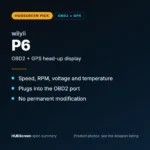 wiiyii P6 OBD2 + GPS Head-Up DisplaySpeed, RPM and temperature from the OBD2 port on compatible 2007+ gas cars.Check Price →
 VIVIHUD HUD-V5 Wireless CarPlay & Android Auto HUDWireless CarPlay and Android Auto directions plus GPS speed.Check Price →
As an Amazon Associate, HUDScreen earns from qualifying purchases. Price, shipping and returns are set by Amazon and the seller.
Frequently asked questions
Which BMWs have a factory head-up display?
BMW’s factory HUD debuted as an option on the 2004 E60 5 Series and E63 6 Series, and remains an option (never standard) on the 3, 5, 7, 8 Series and most X models today. The 1 and 2 Series and many X1/X3 builds skip it — and even on eligible models, most buyers never ticked the option box.
Will an aftermarket HUD look good in a BMW interior?
A slim OBD2 HUD with a dark finish blends well with BMW’s interior design. Many BMW owners prefer the combiner-style display over windshield projection as it sits more flush with the dash aesthetic.
What OBD2 data can I read from a BMW with a HUD?
Standard parameters — speed, RPM, coolant temperature, battery voltage, and pending fault codes — are available on all BMWs via OBD2. Extended BMW-specific data (oil temperature, boost, DSC status) requires a BMW-specific diagnostic tool, not a standard OBD2 HUD.