
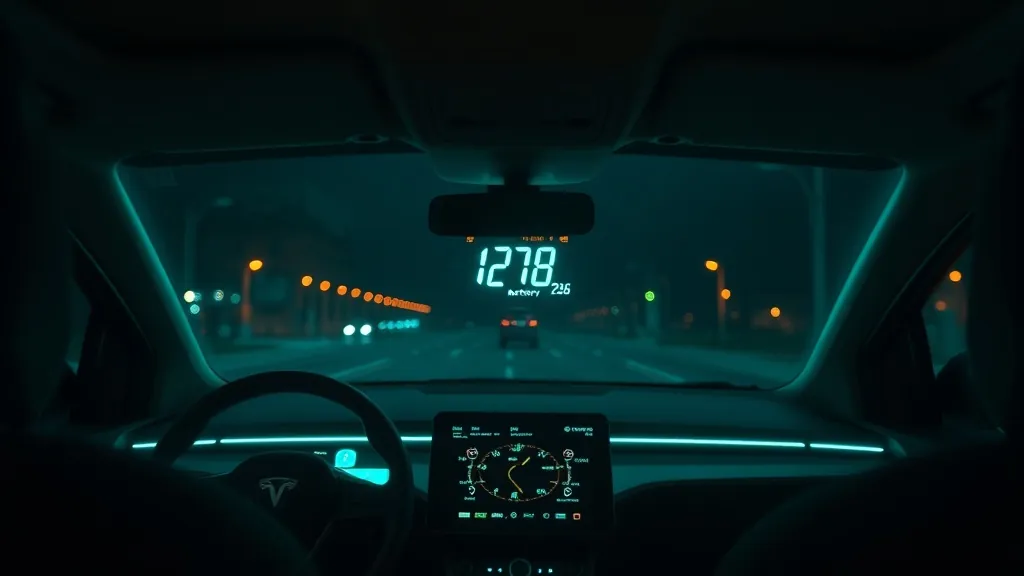
Electric vehicles are the fastest-growing segment on US roads, and their HUD needs differ from petrol cars in one key way: OBD2 data access varies significantly by brand. Here is what works on each major EV platform.
Driving a Tesla specifically? See our dedicated Tesla head-up display guide for Model 3, Model Y and Model S.
Tesla (Model 3, Y, S, X): use a GPS HUD
Tesla vehicles have an OBD2 port but Tesla locks most vehicle data behind proprietary protocols. Standard OBD2 HUDs can read some parameters on older Model S/X, but on Model 3 and Y they typically cannot. The reliable solution is a GPS HUD that does not use the OBD2 port at all. The KUOWEIHUD K1 gives you true GPS speed — often more accurate than Tesla’s instrument display — with no connection to the car needed.
Rivian (R1T, R1S): OBD2 HUDs work
Rivian uses a standard OBD2 port with good third-party data access. An wiiyii P6 HUD will display speed, voltage and other standard parameters. Battery state-of-charge is available on Rivian through standard PIDs on most firmware versions.
GM EVs (Bolt, Bolt EUV, Equinox EV): OBD2 HUDs work well
General Motors EVs use standard OBD2 and expose a wide range of parameters to third-party devices. The wiiyii P6 works excellently on the Bolt platform. You can monitor battery voltage, coolant temperature (for the battery thermal management system) and standard speed data.
Ford Mustang Mach-E and F-150 Lightning: partial OBD2
Ford’s BEV models have an OBD2 port, but EV-specific data (battery pack state, charging status) is often behind Ford’s proprietary protocol. Standard parameters (speed, basic electrical) typically work. For Lightning owners wanting comprehensive monitoring, the KUOWEIHUD K1 paired with the Ford app is the more reliable combination.
Hyundai / Kia EVs (Ioniq 5/6, EV6): OBD2 HUDs work
Hyundai and Kia EVs have strong third-party OBD2 support. The wiiyii P6 reads speed, voltage and many EV-specific parameters on the Ioniq 5, Ioniq 6, EV6 and Niro EV.
Quick guide by EV brand
- Tesla — KUOWEIHUD K1 (no OBD2 access)
- Rivian — wiiyii P6 ✓
- GM (Bolt, Equinox EV) — wiiyii P6 ✓
- Ford Lightning / Mach-E — KUOWEIHUD K1 (partial OBD2)
- Hyundai Ioniq / Kia EV6 — wiiyii P6 ✓
Check compatibility with the HUD Compatibility Checker.
Already have a factory HUD that stopped working? See Ioniq 5 or EV6 factory HUD switching off? Hyundai and Kia fixes.
As an Amazon Associate, HUDScreen earns from qualifying purchases. Pricing and availability are shown on Amazon and may change.
Our HUD picks
Three plug-in head-up displays, by what you want on the windshield.
 KUOWEIHUD K1 GPS Head-Up Speed DisplayGPS speed with no OBD2 port needed: fits EVs, hybrids and older cars.Check Price →
 VIVIHUD HUD-V5 Wireless CarPlay & Android Auto HUDWireless CarPlay and Android Auto directions plus GPS speed.Check Price →
As an Amazon Associate, HUDScreen earns from qualifying purchases. Price, shipping and returns are set by Amazon and the seller.
Frequently asked questions
Do head-up displays work with electric cars?
Yes, but the type matters. A GPS HUD works on any EV regardless of brand — it doesn’t use the OBD2 port at all. An OBD2 HUD works well on Rivian, GM, and Hyundai/Kia EVs. Tesla locks most data behind a proprietary protocol, so a GPS HUD is the recommended choice for Tesla owners.
Can you use an OBD2 HUD on a Tesla?
On Model 3 and Y, standard OBD2 HUDs typically cannot read vehicle data — Tesla uses a proprietary protocol for most parameters. A GPS-only HUD (like the KUOWEIHUD K1) is the reliable choice for Tesla drivers. Older Model S and X have better third-party OBD2 support.
Does an OBD2 HUD show battery charge on an EV?
It depends on the brand. Rivian, Hyundai, and Kia expose battery state-of-charge via standard OBD2 PIDs, so an OBD2 HUD can show it. Tesla, Ford, and some GM models require proprietary access. Check the HUD Compatibility Checker for your specific EV.