
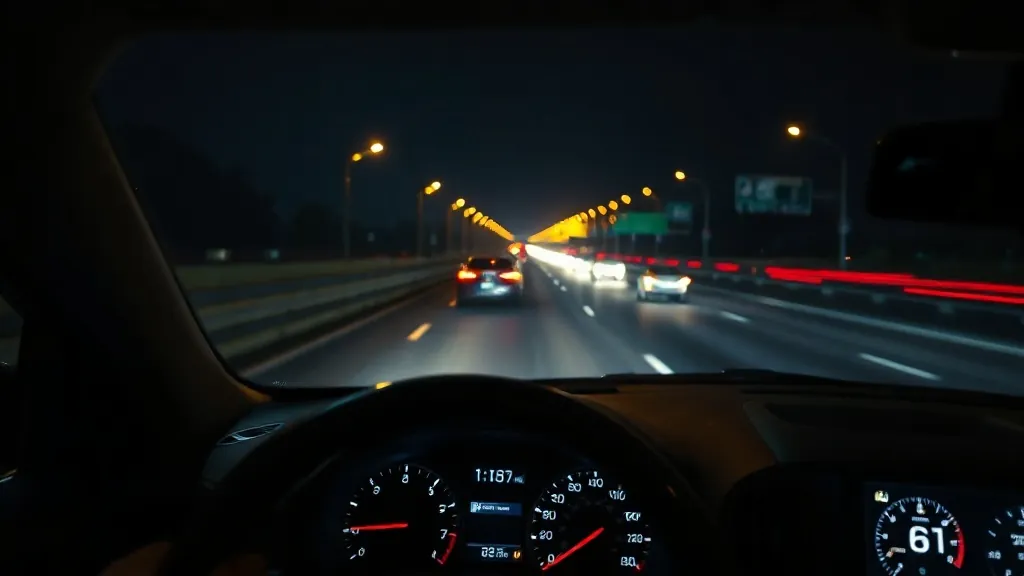
Quick answer: an Audi or Volkswagen head-up display that won’t show is usually switched off (Audi: press the HUD knob; VW: Vehicle settings > Head-up display), set too low, too dim, or hidden by polarized sunglasses. On many 2020–2023 Audis there’s also a known software fault: the HUD won’t turn on, the screen says “The selected system is currently unavailable”, and the 12-volt battery may go flat. Audi’s dealer fix is a HUD software update.
This guide covers the factory HUD. For a plug-in aftermarket unit, see the aftermarket HUD troubleshooting guide.
Audi: turning it on and adjusting it
- Models with a HUD knob (A4, A5, Q5 and others): “To switch the head-up display on, press the [HUD] knob.” Turn the knob left or right to set the height after sitting in your normal position.
- Rotation, brightness and contents: on the home screen select SETTINGS > Display & Brightness > Head-up display. Some warnings can’t be hidden.
- Q7, Q8 and other two-screen MMI cars: press and hold the HUD button in the function bar of the lower touch display.
- Older MMI (e.g. 2012–2018 A6/A7): press the HUD button to switch it on and turn it to adjust height; contents and brightness are under CAR > Systems > Driver assist > Head-up display. Brightness also follows the instrument lighting setting.
(Source: Audi owner’s manual, 2024 Q5 USA, at ownersmanual.audi.com.)
Volkswagen: turning it on and adjusting it
- Golf / GTI / Golf R: Vehicle menu > vehicle > Interior > Head-up display and set Head-up display to Active (2024 Golf quick-start guide).
- ID.3, ID.4, ID.5, ID.7: touch Vehicle, choose Interior, then Head-up display and switch it on. Adjust position and angle with the function buttons after sitting correctly; brightness, content and an alternative colour scheme for snow are in the same menu.
- VW notes that the basic HUD brightness is set together with the instrument lighting and dims automatically as it gets darker.
(Sources: 2024 Golf quick-start guide; ID.4 owner’s manual.)
Why the image is hard to see
Both brands’ manuals list the same causes:
- Polarized sunglasses can make the HUD fade or vanish.
- Seat position and HUD height: “An optimal display depends on the seat position and the height adjustment of the head-up display” (Audi).
- Sunlight at an unfavourable angle can cause reflections (VW).
- Objects in the projection opening on the dashboard can scratch the HUD glass (Audi).
Cleaning: VW says to clean the HUD with a soft cloth and mild detergent only, and that microfibre cloths can scratch it. Audi’s cleaning table covers displays (soft cloth with LCD cleaner) and window glass; avoid putting anything in the HUD opening. More on sunglasses: HUD glare and polarized sunglasses.
Audi: “The selected system is currently unavailable” and a flat battery
Audi bulletins 2064692 (2021) and 2069055 (2022–2023) describe this exact complaint: “The head-up display (HUD) does not turn on. The message ‘The selected system is currently unavailable’ is displayed periodically… The vehicle’s 12V battery might be drained.” A software issue can freeze the HUD and keep the car’s data network awake.
- Models: 2020–2023 Q7/SQ7; 2021–2023 A6, A6 allroad, S6, RS 6 Avant, A7, S7, RS 7, e-tron and e-tron Sportback; A7 e quattro; Q8, SQ8, RS Q8.
- Dealer fix: remove power from the HUD for about five minutes to reset it, then update the HUD control module software. Audi changed the software in production for model year 2023. The bulletin says not to replace components.
- If your Audi’s battery keeps going flat and the HUD is acting up, mention these bulletin numbers to the dealer.
Other Audi bulletins: street names flickering on the 2022 e-tron GT, fixed with a HUD software update (2069348); a rattle from the HUD on some 2012 A6/A7 (2029843). We found no HUD-specific recall for Audi or VW; check your VIN at nhtsa.gov/recalls.
Volkswagen ID. models: AR HUD updates
The ID.3, ID.4, ID.5 and ID.7 offer an augmented-reality HUD (standard on the ID.7). VW’s software updates (for example ID. Software 3.1) included reliability and stability improvements for the AR HUD, so make sure the car’s software is current. Full AR content also depends on optional equipment such as navigation and Travel Assist. VW owners commonly report the US ID.4 wasn’t offered with the AR HUD.
Pop-up HUDs on older VWs and the Audi Q2
Some models project onto a small screen that rises from the dashboard rather than onto the windscreen: VW confirms the Passat B8 used “a smaller extendable projection surface”, and the Audi Q2 uses a panel raised by an electric actuator. Owners commonly report the same type on the Tiguan Mk2 and Arteon. If the screen won’t rise or sticks, don’t force it; the lift mechanism is a dealer repair. Windscreen type doesn’t affect these.
Windshield replacement and ghost images
Audi’s manual: “A special windshield is needed for the head-up display function.” Audi explains that “to avoid ghost images, the windshield and its safety film have a special shape.” A non-HUD windshield gives a double or blurred image; owners commonly report this after replacements. VW’s ID.4 manual adds that after changing the windscreen, “the camera and sensors must be adjusted and calibrated by a qualified workshop.” Ask for HUD-compatible glass and the camera calibration. More in our HUD windshield replacement guide.
Which Audi and VW models have a HUD?
Audi: first offered on the A6 and A7 in 2011; since then on the A3, A4, A5, A6, A7, A8, Q5, Q7, Q8, e-tron and e-tron GT, with augmented-reality HUDs on the Q4 e-tron, Q6 e-tron and A6 e-tron. VW: Golf 8 and GTI/R, Passat, Tiguan (2024+ windscreen type), Touareg, Atlas (SEL and above from 2024 in the US) and the ID. family. Usually optional. See the 2026 factory HUD database, or factory vs aftermarket HUD if yours didn’t come with one.
Repair not worth it? Add a plug-in HUD
If fixing a factory head-up display costs more than it is worth, a plug-in HUD puts your speed back in your line of sight. Check the fit notes before you order.
 KUOWEIHUD K1 GPS Head-Up Speed DisplayGPS speed with no OBD2 port needed: fits EVs, hybrids and older cars.Check Price →
 wiiyii P6 OBD2 + GPS Head-Up DisplaySpeed, RPM and temperature from the OBD2 port on compatible 2007+ gas cars.Check Price →
 VIVIHUD HUD-V5 Wireless CarPlay & Android Auto HUDWireless CarPlay and Android Auto directions plus GPS speed.Check Price →
As an Amazon Associate, HUDScreen earns from qualifying purchases. Price, shipping and returns are set by Amazon and the seller.
Frequently asked questions
Why is my Audi heads-up display not working?
First press the HUD knob (or the HUD button on the lower touch screen) to make sure it’s on, then check height, brightness and polarized sunglasses. On 2020–2023 A6, A7, Q7, Q8 and e-tron models, a HUD that won’t turn on with ‘The selected system is currently unavailable’ is a known software fault fixed by a dealer HUD software update.
How do I turn on the heads-up display in my Audi?
Press the HUD knob on the instrument panel (or press and hold HUD in the lower touch display’s function bar). Height is set by turning the knob; rotation, brightness and contents are under SETTINGS > Display & Brightness > Head-up display.
How do I turn on the heads-up display in my VW?
Golf: Vehicle menu > vehicle > Interior > Head-up display, set to Active. ID. models: Vehicle > Interior > Head-up display.
Can the Audi HUD drain the battery?
Yes, on certain 2020–2023 models. Audi bulletins say a software issue can freeze the HUD and keep the data network awake, which may drain the 12V battery. The fix is a HUD software update at the dealer.
Why is my Audi HUD blurry after a windshield replacement?
Audi says the head-up display needs a special windshield with a shaped safety film to avoid ghost images. A non-HUD replacement windshield causes a double or blurred image.